

List Your Commercial Space on Storefront
List your space
Reach Thousands of Verified Renters. Start Free—No Payment Details Needed.
They trust us:





List Your Space for Free
Free Forever
Storefront is the easiest way to advertise commercial property for rent, connect with high-quality renters, and secure paid bookings — all from one platform. Listing takes less than five minutes.
How Storefront Works
Two Plan Options — Both Start With a Free Listing
Basic Plan — Free Forever
✓ Your Listing stays live year-round
✓ Receive up to 3 inquiries per month per account
✓ Inquiries reset on the 1st of every month
✗ If you reach the limit, all Listings are hidden
✓ Upgrade anytime
Perfect for landlords who want to test the platform or only need a small number of inquiries per month.
Starter Plan — Unlimited Inquiries
✓ Unlimited inquiries
✓ Visibility in search results all month long
✓ Proposals sent by Storefront staff to relevant and premium renters
✓ Cancel anytime
The Starter Plan is billed automatically each month unless cancelled.
Once you have published your Listing on the Basic (FREE) tier your will have the option to upgrade it to the Starter subscription.
45-Day Free Trial Of Starter Plan
After creating and publishing your Listing, if you are a first-timer Storefront user you can activate a 45-day free trial of Starter.
During the trial you receive:
- Full platform access
- Unlimited inquiries
- Maximum search visibility
- Priority proposals sent by Storefront staff
The 45-day FREE trial is only available for first-time Storefront Listing owners. Activate your FREE trial by upgrading to a Starter Subscription, the free trial will be activated upon checkout.
Commission on Bookings
Storefront charges a 20% commission on successful paid bookings.
This is deducted from the amount the renter pays — you only pay the commission when you make money.
No booking = no commission.
Your payout amount is always clearly displayed when setting pricing.
Platform Compliance
All Payments and Communication Must Stay on Storefront
To keep our platform safe and ensure all parties are protected:
- All communication must take place through the Storefront platform.
- All payments must be processed through Storefront.
Communicating or transacting outside the platform is strictly prohibited, violates our Terms of Service, and may result in removal of your Listing and/or legal action.
This protects you, your renters, and the integrity of your bookings.
How to List Commercial Property on Storefront
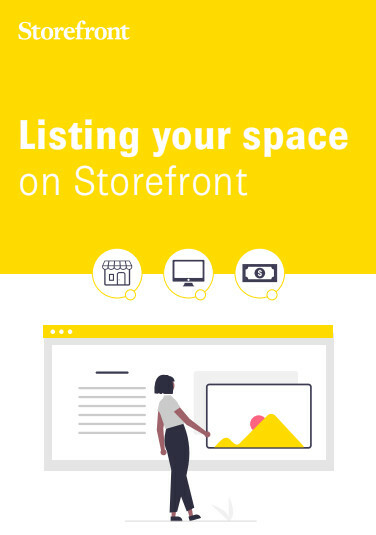
- Create your free Listing
Add photos, describe the space, set availability and pricing. (Use the free guide: How to Create a Listing) - Submit your Listing – Storefront will approve and publish it within 48 hours
- Start your free 45-day trial of unlimited visibility
- Receive inquiries and chat with renters through your dashboard
- Secure bookings and get paid safely through Storefront
1. FREE Listing
2. Upgrade For More
3. Boost
How to Succeed with Storefront
Maximize your space’s potential
- Enter your daily price so that it is publicly displayed. Pricing is necessary to get relevant requests from qualified renters who can afford your space.
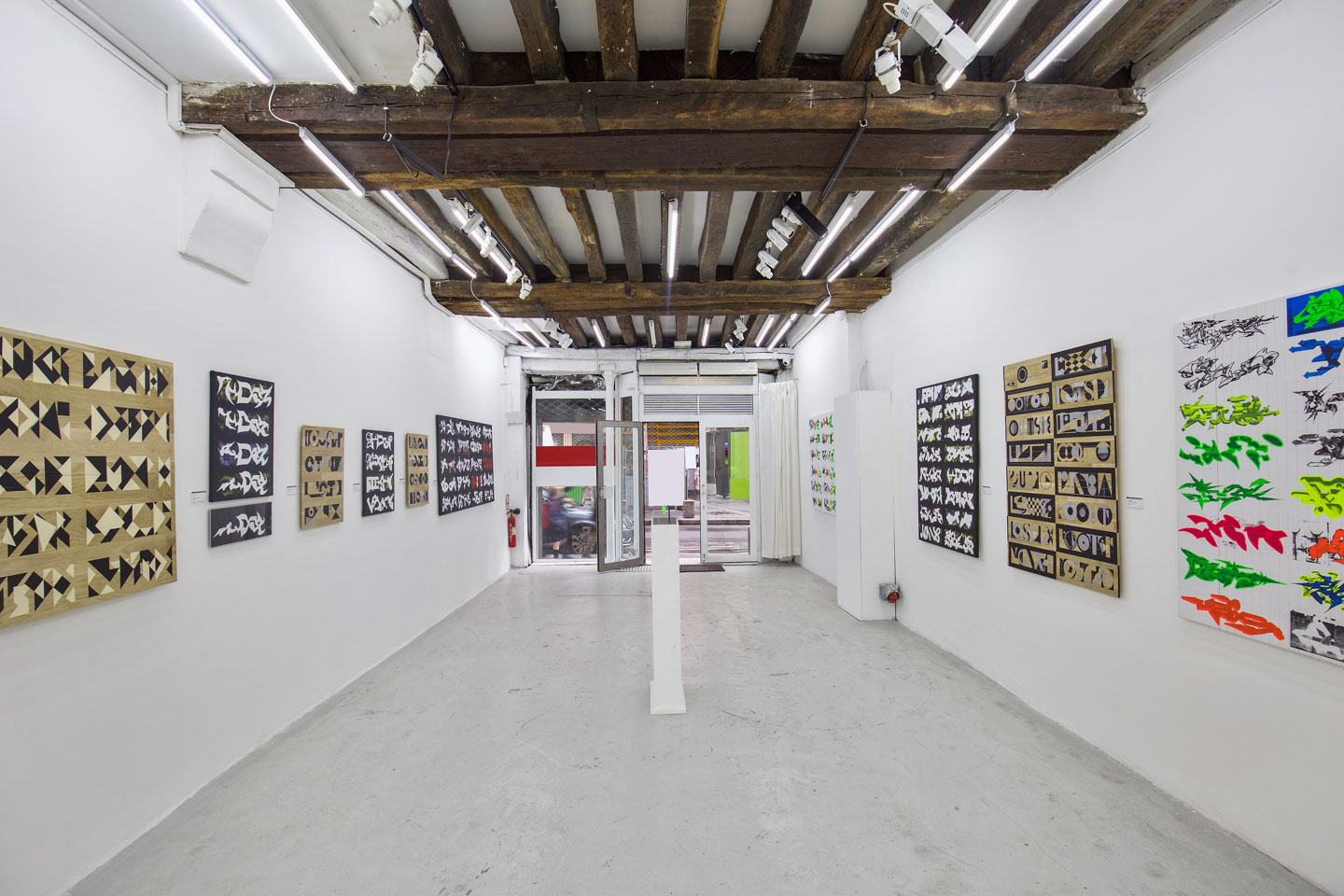
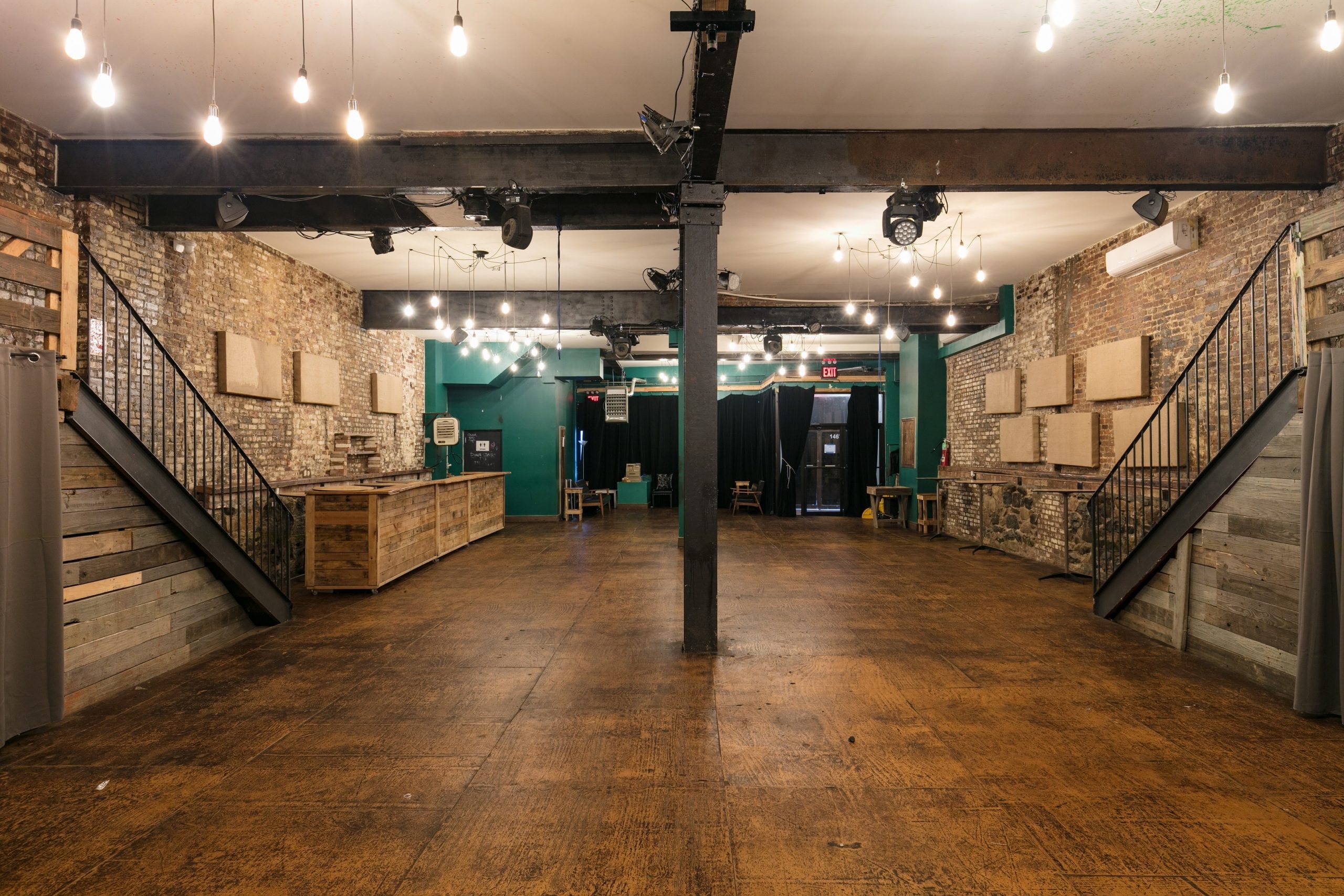
- Photos are your most important marketing tool. Listings with at least six high-quality photos taken from a variety of angles get more bookings than those without.
- Update your availability calendar to show prospective renters when they can book.
- Respond to inquiries within 48 hours. Projects often find a new space within five days – keep a competitive edge with a speedy reply.
- Enable SMS notifications to close deals faster. Hosts with SMS notifications enabled are more likely to be able to start a conversation and get a quote within 24 hours.
- Always accept payments through the Storefront platform. Add your bank account information to get faster bookings. Then you can pre-approve brands to rent your space. Learn more about collecting payments here.
- Boost your space to appear higher in the search results. Once your listing is live you have the option to Boost your listing with a monthly subscription. Boosted listings appear at the top of relevant searches and consistently receive more views, inquiries and bookings.
Find more renters with amazing photos
- Take professional photos
- Write a top-notch space description
- Put down the right pricing
Trusted
Here’s what our landlords say about Storefront



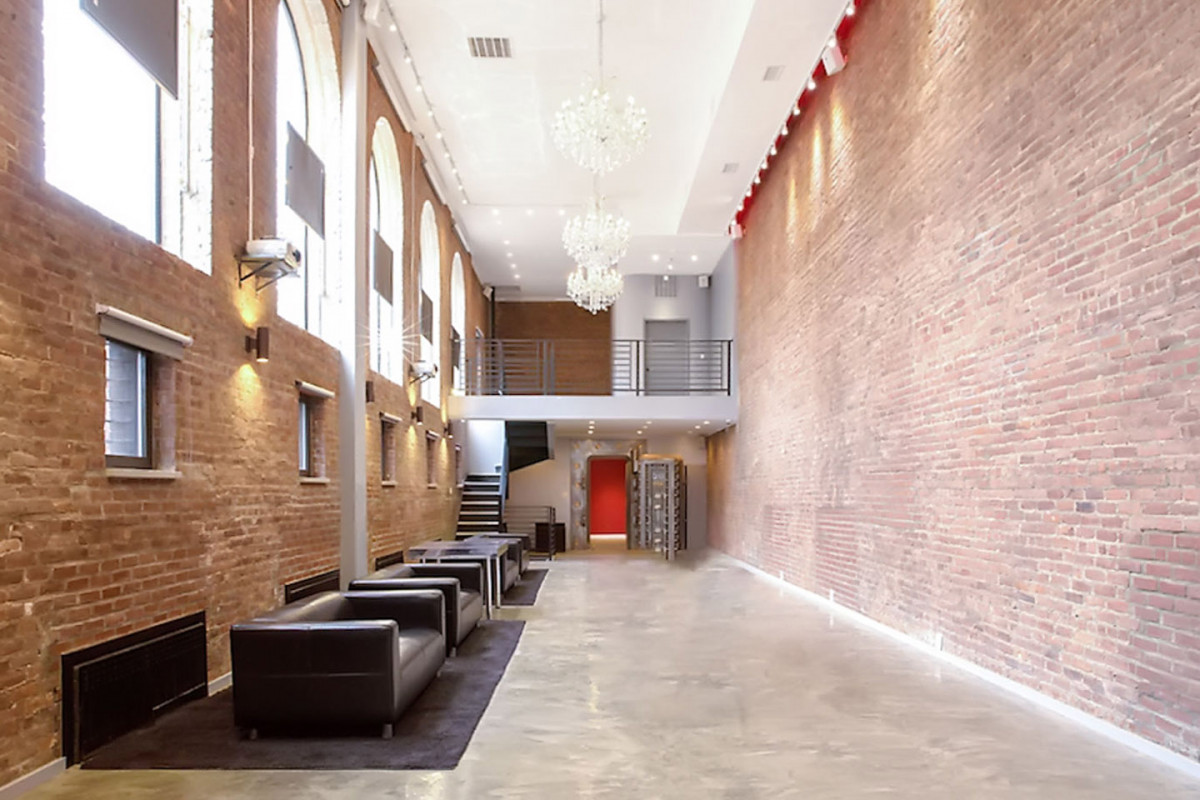
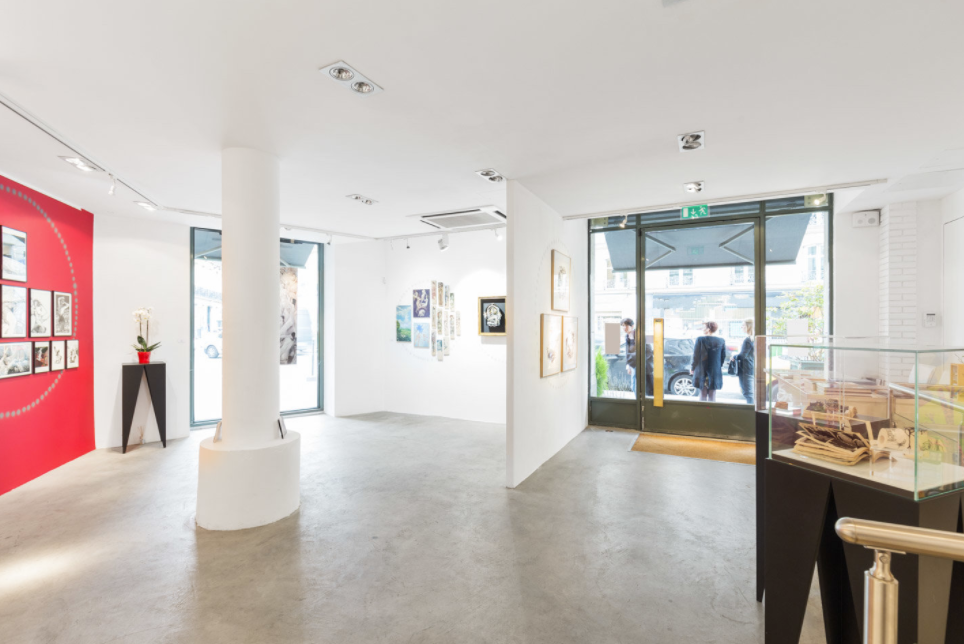
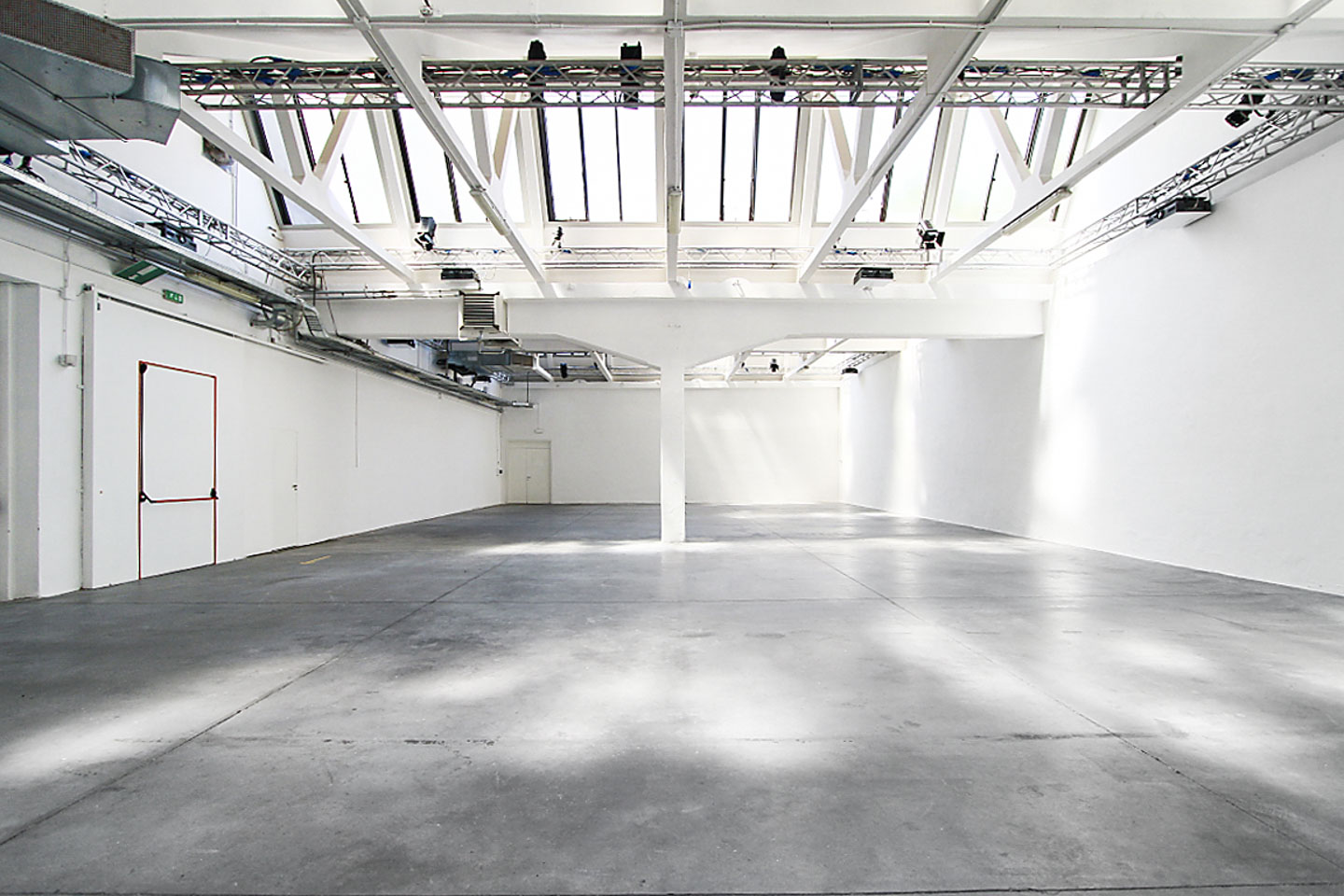
Any type of space can thrive on Storefront, from vacant retail space to industrial lofts.
Our renters are looking for long-term retail leases, short-term pop-up stores, product launches, fashion showrooms, meeting rooms, art galleries and more!



Maximize Your Storefront Listing
Once it’s published, Boost it.
Boost your listing for more inquiries
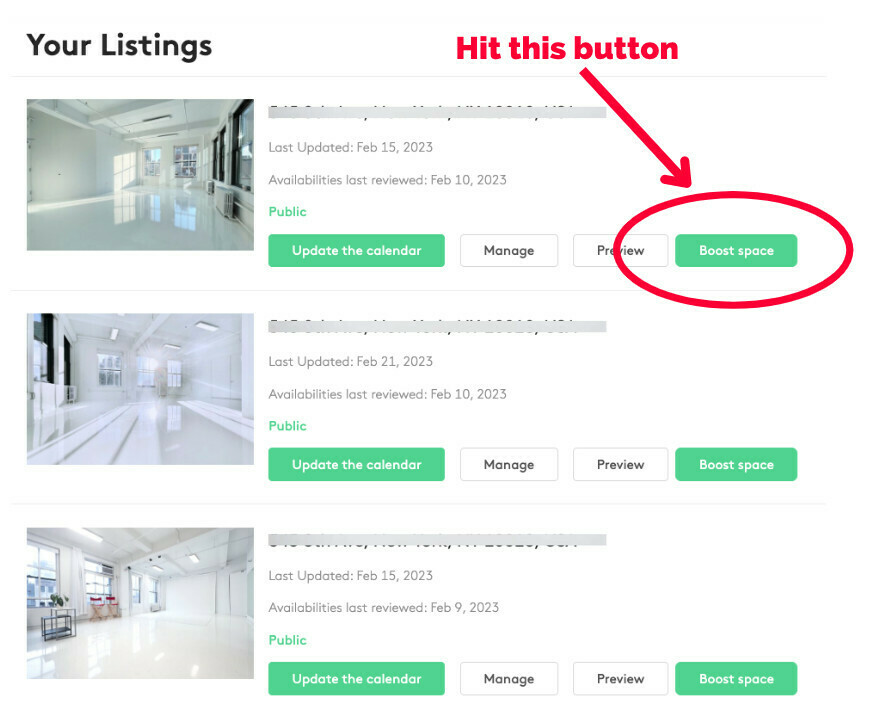
- Once you’ve created your listing in the Storefront platform you will have the option to Boost it.
- Boosted listings appear at the top of search results, outranking similar spaces.
- Boosted listings receive more views, inquiries and bookings.
- Boosting a listing is a monthly subscription that can be canceled at any time.
- The cost to Boost a listing depends on the type of space and location.
- When your listing is live you will see a Boost button next to each listing in the ‘manage listings’ section of the platform.
List Your Space on Storefront Today!
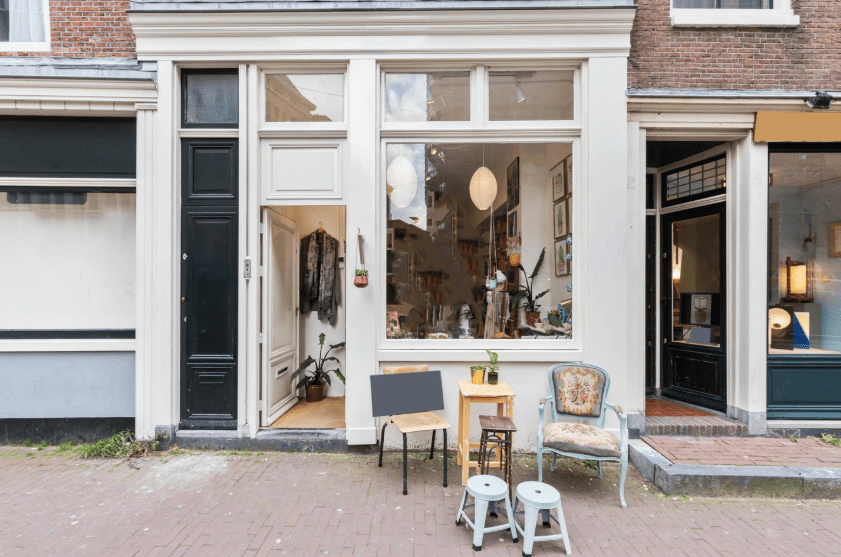
Expose your Space to the Best Ideas
List your space and start generating income today
Frequently Asked Questions
Creating and publishing a Listing is free, and the Basic tier is free forever.
However, Basic allows only three inquiries per month.
To stay visible in search results all month and receive unlimited inquiries, you need a paid Starter subscription. You can upgrade at any time – go to Accounts and Settings > My Subscriptions.
Basic tier Listings are hidden from search results after your account receives 3 inquiries in a month.
They remain accessible via:
- Direct link
- Ongoing conversations
- Your dashboard
But they won’t appear in the Storefront search results, where most inquiries originate.
A live Listing visible until you hit the monthly 3-inquiry limit
No payment details required
Ability to receive inquiries and manage conversations
Secure payments on the Storefornt platform
Your Listing goes live again automatically on the 1st of the next month when the inquiry limit resets
Storefront takes 20% of the rental price as a transaction fee, but only when a booking is successfully completed.
This fee is the same on Basic and Starter plans. This comes out of what the renters pays. When you set your price in the platform you will clearly see how much you will receive per transaction.
Storefront offers a free 45-day trial of the Starter subscription for new users. Once your Listing is published you can activate your free trial by going to Accounts & Settings > My Subscriptions in the Storefront menu. When you upgrade to Starter you will not be charged for the first 45 days but after the 45-day trial has ended you will be billed for the next month unless you cancel before the end of your trial.
After 45 days you will be moved onto the Starter plan and automatically billed for the next. If you cancel before the trial ends, your Listing will move to the Basic tier at the end of the trial, limiting your account to three inquiries per month.
Yes. You have two options:
- Upgrade to Starter — your Listing becomes visible again immediately.
Wait until the 1st of the next month — your inquiry limit resets and your Listing goes live again.
No. All Listings are reviewed by Storefront. Duplicate Listings, if approved, automatically fall under the Basic tier unless upgraded.
The free trial is only availble to each Listing Owner once.
The subscription is a monthly price that varies country to country. In the United States it costs $49 a month. Prices for other countries are similar but vary slightly depending on currency with multi-Listing discounts available
It takes less than 5 minutes.
Follow this guide: How to Create a Listing
Or start now: Create a Listing
You can use the chat function to speak with renters in the platform. After you have worked with us for a while you will be able to speak directly with them by clicking the ‘Request To Call Back’ button. This will allow you to arrange a time to have a call with the brand. Please note: This functionality is not available to everyone and we reserve the right to remove it if we feel it is not being used responsibly.
It usually takes 3-7 business days to process your payment.
Once you have confirmed your availability with the contact, you can click the button that say “Arrange
a visit” here you can suggest multiple dates and times that the brand can select.
A broad range of brands and renters use Storefront to find venues and spaces for their projects. From high street apparel to
high end showrooms and corporate events. If you make it clear in your Listing what types of renters your space is
most suited to (including, event type, description, minimum duration, pricing etc.) you should only receive inquiries
from renters within your target demographic.
We do not organise viewings if you manage the Listing. A select number of Storefront Listings are operated by the Storefront Concierge Team but this is only for a very small number of listings and is a billable service (you will probably have to pay for it).
If you would like Storefront to manage your listing (including visits) please let us know and we will see if it’s something we are able to accommodate. There may be a fee involved. The best option will be for you to arrange your own viewings
with renters.
All types of commercial real estate perform well on the Storefront platform. Anything from retail, photo studios and art galleries, to showrooms and warehouses. We attract a broad range of renters looking for all manner of use cases. Short term and long term.
If the brand wishes to rebook, please instruct the brand to go back to the Storefront Listing and rebook.
This is part of Storefront’s terms and conditions of usage and if you do not correctly follow this process we reserve the right
to pursue any guilty parties for breaching the terms and conditions.
Yes you can you can refuse a project if you feel the inquiry does not suit you or your Listing.
Once your listing(s) has been published on Storefront you are immediately visible to potential tenants and able to start receiving inquiries. However, it is highly recommended that you scroll up and read the ‘How to succeed with Storefront‘ section of this page.
A highly optimised and well-managed listing will receive more inquiries and you will get more out of the Storefront platform. Optimising and managing your listing is straightforward, easy, and well worth the few minutes it will take.
You can also Boost your listing for a monthly subscription. This is done after your listing is published and live and will ensure your listing is one of the first relevant prospective renters see when searching the Storefront platform.